Does a heating message prove that my furnace is running?
It shows the control’s request or status. It does not measure the result in every room. A delay, setting or fault elsewhere can stop the response. The useful comparison is the screen, the equipment response and the room temperature together.
Read the request without changing the evidence
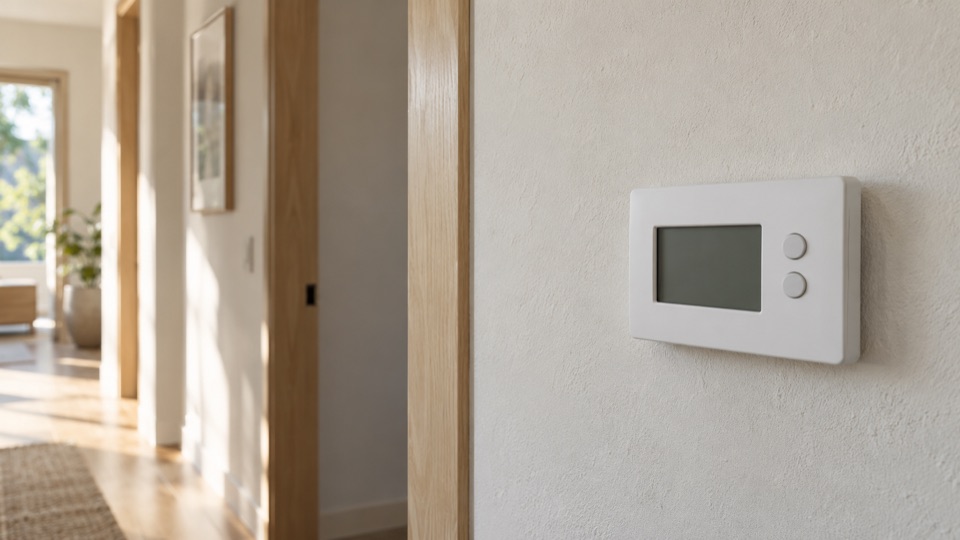
Tell us the room reading, chosen temperature, operating mode and the exact message on the screen. Include whether the message is steady or flashing. A photograph of the normal display can keep that detail without opening anything.
Look for a schedule, temporary hold or remote setting that explains a target you did not expect. Follow the instructions for your own control. Avoid a factory reset: the original setup and fault history may help explain the problem.
Find out what the control operates
The same Heat label can control a gas furnace, electric heating or a heat pump. A heat pump moves heat instead of burning fuel to make it. Existing equipment records are a better starting point than the appearance of the thermostat.
Some controls deliberately delay a restart. Resideo's RTH2300/RTH221 instructions, for example, describe a flashing message during compressor protection. That example does not set the waiting period for a different model. Read the correct manual or ask for help identifying it.
Describe where the response stops
A screen that loses power needs a different question from a screen that holds its setting while nothing starts. If the fan responds but there is no warmth, say that. If another thermostat in the property works, name which rooms belong to each control; do not assume they share equipment.
Mention a recent thermostat change, power interruption or change in account access to a smart control. These are events to investigate, not proof that the most recent change caused the fault.
- Screen blank or normal?
- Requested setting stable or changing?
- Equipment silent, briefly active or running without warmth?
Ask which finding supports the repair
Before replacing the control, ask whether its heat request reaches the unit. Check that the setup matches the system. Leave wiring tests and installer settings to a trained technician.
Confirm whether the plan covers the control only, its wiring, a sensor or an equipment fault. Ask how schedules and account ownership will be handed back after a replacement. Have the person allowed to approve changes available; a visitor or tenant may not control those decisions.
Questions about this repair
Should I raise the target as high as it will go?
Use a normal intended setting and record the response. A large change does not reveal the fault and may change which heating stages are requested.
Does a working phone app prove the heater works?
No. An app can show a command or a saved reading. Confirm what the local display and occupied rooms show, and report any mismatch.